
Updating the modpack
Prism launcher makes it easy to get set up and initially install the modpack, but updating is a little more complicated. Reinstalling the modpack won't bring your settings with it :(
To update you usually only need the mods folder. See the modpack changelog to confirm (if you aren't sure, it is easiest to re-install)
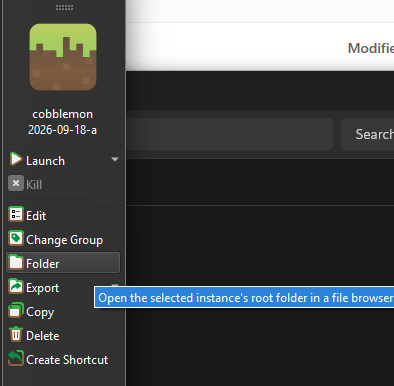
In prism launcher click 'folder' to open the instance's folder
Double click 'minecraft' and it will probably look something like this
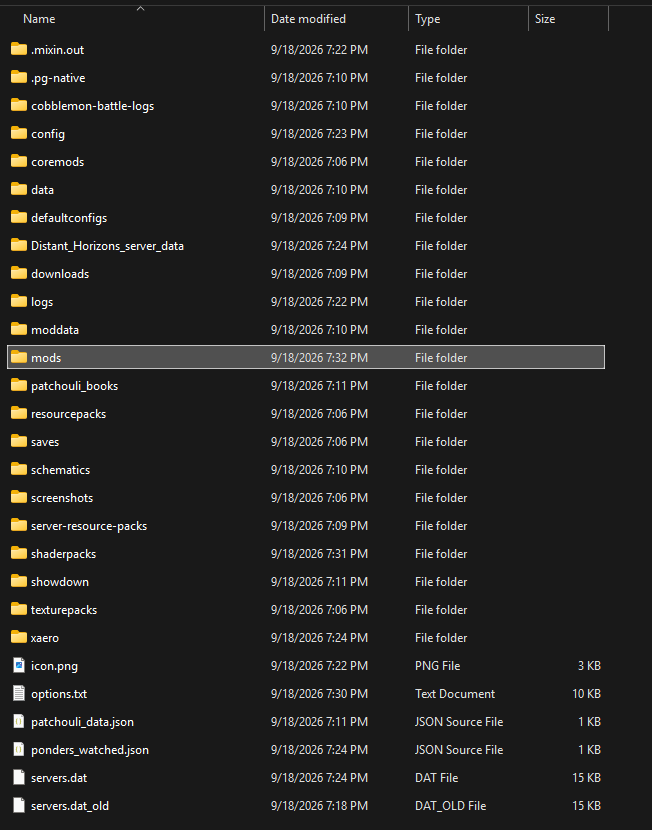
Rename the existing 'mods' dir to something else (so minecraft won't look at it. "old mods" is ok), and then replace it with a fresh mods dir from the modpack's zip file.
You can't just extract the modpack directly into your existing instance without cleaning the existing mods, newer versions of mods have different filenames so you can end up with duplicates which might not work.