Setting up other modpacks (.mrpack format)
- Have Prism Launcher installed
- Download the .mrpack file
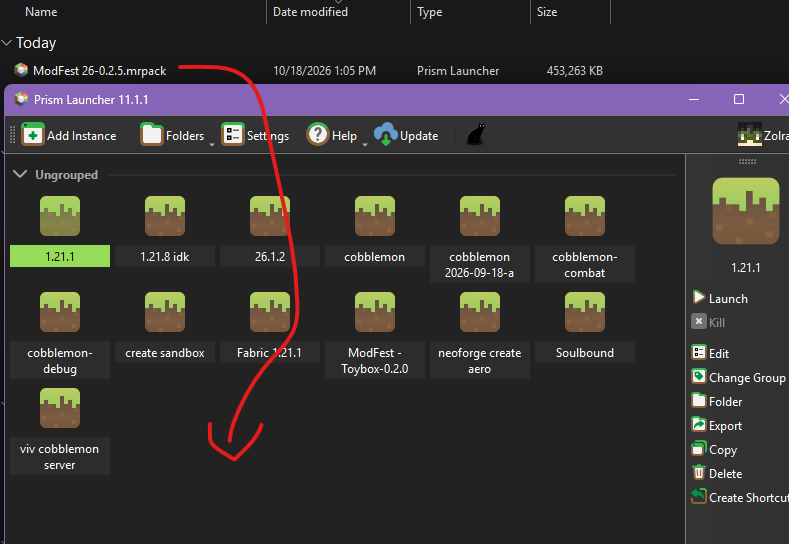
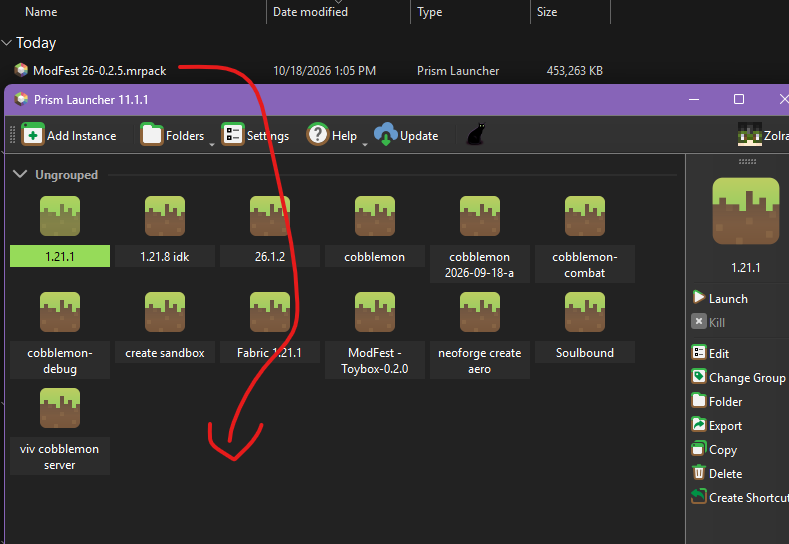
- Drag the mrpack into prism launcher
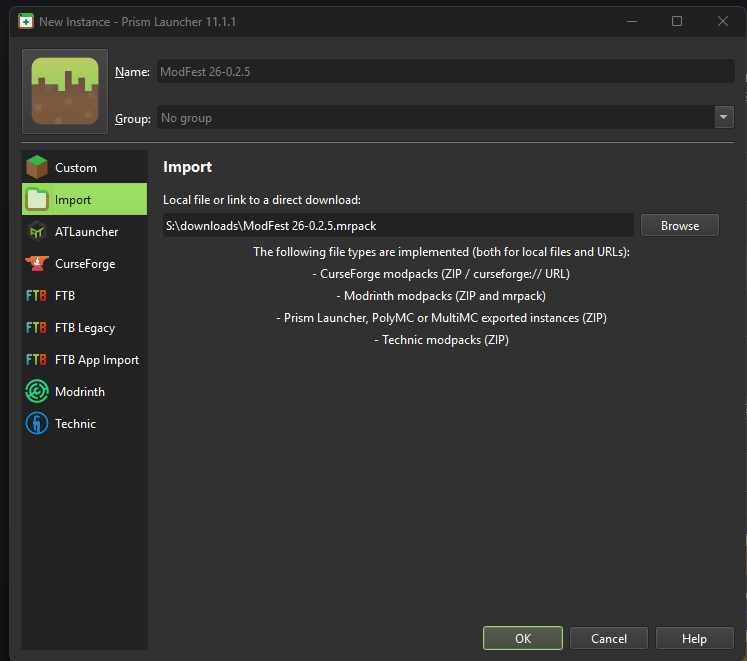
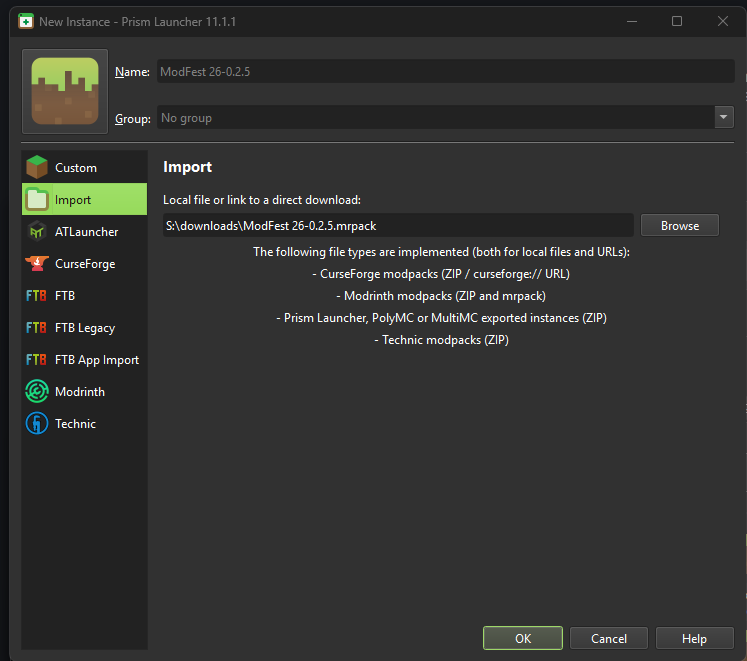
- Leave this as is and press OK
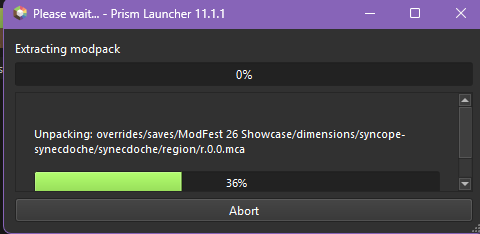
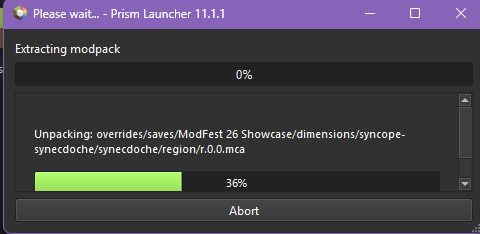
- Wait for stuff to download
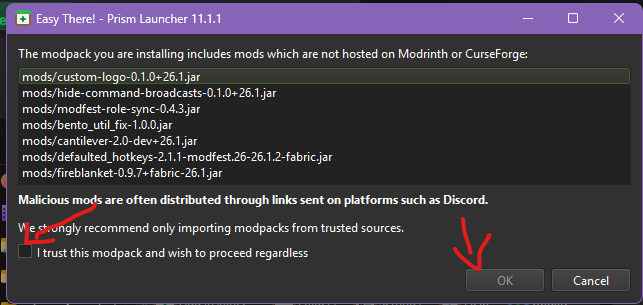
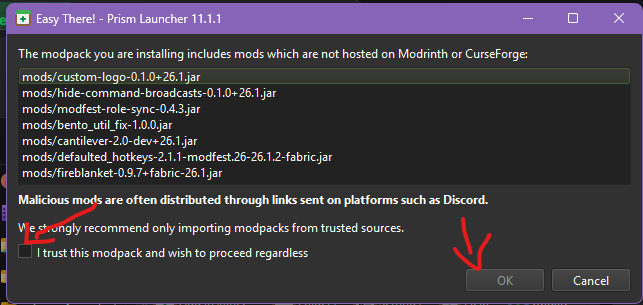
- If you see this dialog, check the box and click ok
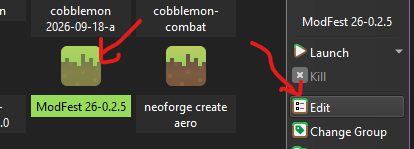
- You should now have it as a visible instance in prism launcher that you can edit and launch
Appendix: if you want to set up shaders
it might break some stuff in the pack but if you wanna try
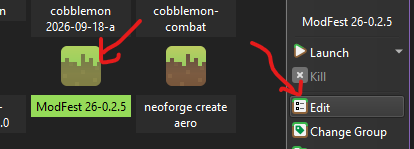
- Edit it
- Mods -> Download mods and install
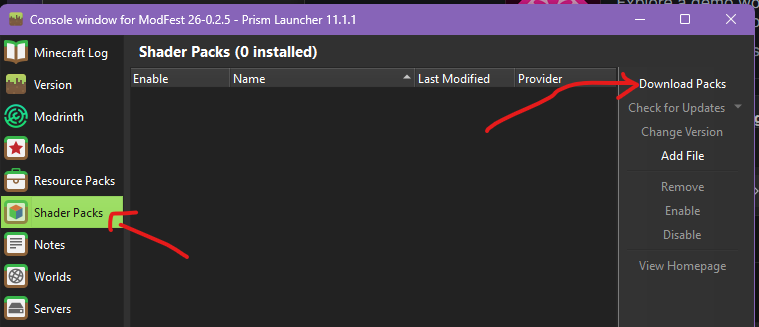
Sodium,Sodium, unless it is alreadyinstalledinstalled. Also install Iris Shaders - Shader Packs -> Download packs
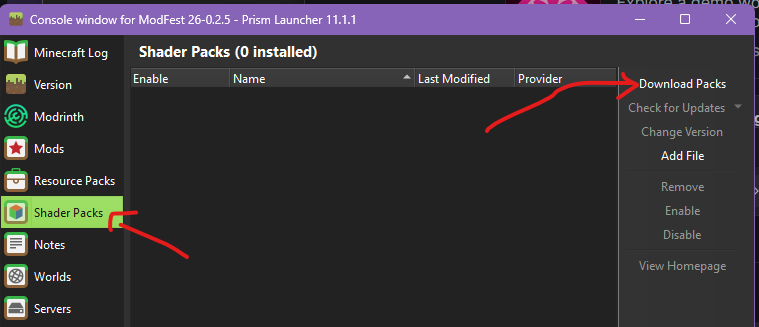
- Pick something you like (I'm using Solas Shader on my neoforge server by default)
Ingame go to the shader picker (todo: instructions)
Note you can download and add shader packs while the game is running so you can try out more stuff
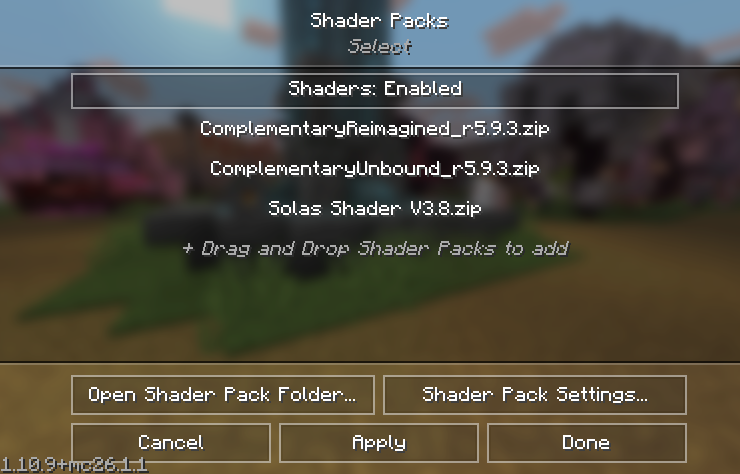
Ingame to select shaders,
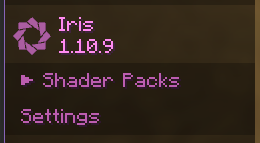
Shader list should look like this, click one and apply