Playing Minecraft (what should I do?)
PrerequisitesOkay, I'm in the game. Now what?
Welcome! It's Minecraft with a lot more going on than the last time you may have played.
Some things you might want to try:
AcatchlicensesomeforPokemonMinecraftJavaedition. If you do not already have this, message Vivcomputergorunning windows / macos / linuxexploringaroundpick5gb free space to hold the mods and map data
Installing Minecraft (via Prism Launcher)
First download and install Prism Launcher, we will use this to install the modded version of Minecraft you will need to use to connect to the server. You will only be able to connect if you are running the exact same Modpack as issomewhere on the server. (Be suremap to checkexplore this(press wikiM to bring up the map, right click for updates!)teleport options)
build some things in Creative mode
Useful Commands
YouSome mayuseful needslash commands to loginknow. withHit yourT Minecraftto accountbring byup clickingchat onand thebegin Accounttyping. buttonTab inwill theautocomplete uppersuggested rightcommands. of
switch to login.survival mode
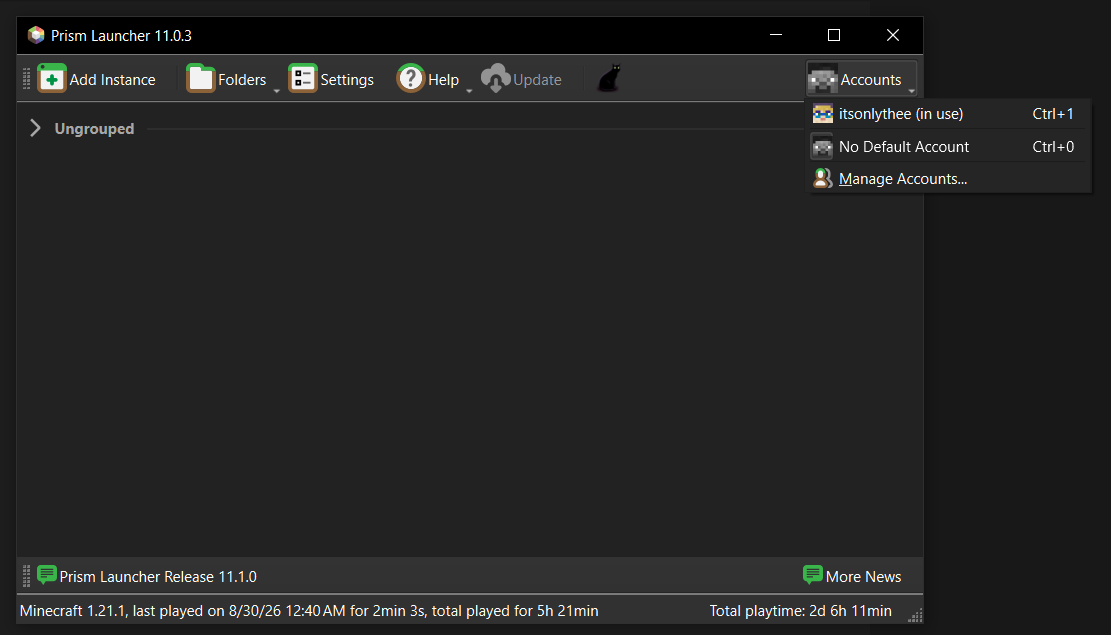
Prism Launcher allows youswitch to createcreative andmode
set have multiple copies of theglobal game runningtime different- versionsalso withaccepts differentnumbers loaderslike and completely different mod loadouts, as well as manage different accounts. When editing an instance, you can download custom Shader Packs, Mods, Resource Packs, and other cool things6 for your6am, game directly in the launcher, no need to go seeking things out manually anymore. You can also adjust Java settings (like how much ram to allow Minecraft to use) and manage your screenshots.
Normally, you'd have to setup an instance manually and search15 for any required mods, but we have a Modpack ready to go. A Modpack is a zip containing the mods as well as info about which version of Minecraft / Neoforge to install. Modpacks are easy to install, just drag and drop onto your launcher and it should unpack everything needed to play. 3pm
Currently I am sharing my modpack via OneDrive. Click here to download it!
You
"cobblemon 2026-09-18-a.zip": A snapshot of the modpack on that date. If I need to make multiple changes on the same day I increment the letter (so 2026-09-18-z would be a very bad day where I changed and republished the modpack 26 times)
Drag the Modpack zip into the main Prism Launcher window, and it should open a 'import' dialog. Click ok to confirm, then pick the instance and click Launch to start the game.
You will not be able to connect to the server until you have also completed the 'connecting to the server' steps, but it is a good idea to launch and make sure it does start - try creating a Single Player world to make sure everything seems to be working.
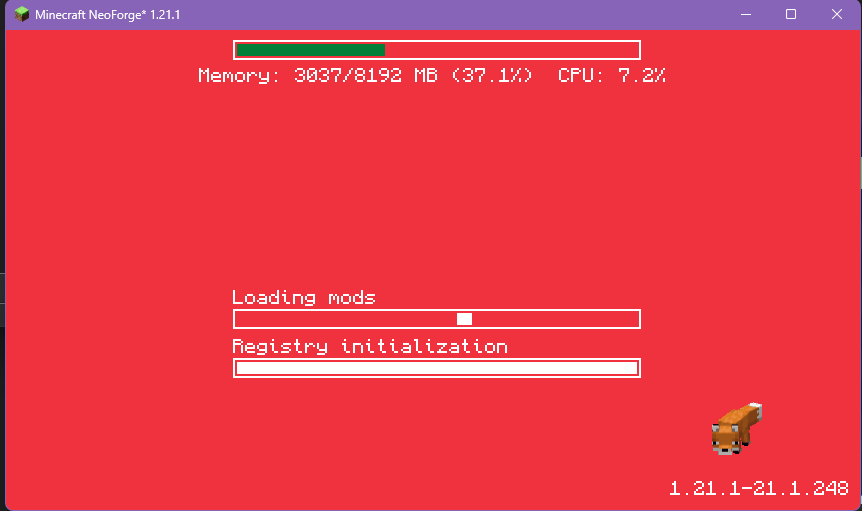
Your game will look like this while it is starting, and can take a couple minutes depending on your computer