Getting started
Prerequisites
- A license for Minecraft java edition. If you do not already have this, msg viv
- computer running windows / macos / linux
- around 5gb free space to hold the mods and map data
- At least 16gb ram probably
Installing Minecraft
First download and install Prism Launcher, we will use this to install the modded version of Minecraft you will need to use to connect to the server. You will only be able to connect if you are running the exact same modpack as is on the server.
A modpack is a zip containing the mods as well as info about which version of minecraft / neoforge to install.
Currently I am sharing my modpack via onedrive. Click here to download it
You probably want to get the latest one. The naming scheme I am using is:
"cobblemon 2026-09-18-a.zip": A snapshot of the modpack on that date. If I need to make multiple changes on the same day I increment the letter (so 2026-09-18-z would be a very bad day where I changed and republished the modpack 26 times)
Drag the modpack zip into the main prism launcher window, and it should open a 'import' dialog. click ok.
You can then click 'launch' in prism launcher to start it.
You will not be able to connect to the server until you have also completed the 'connecting to the server' steps, but it is a good idea to launch and make sure it does start (maybe create a single player world to try it?)
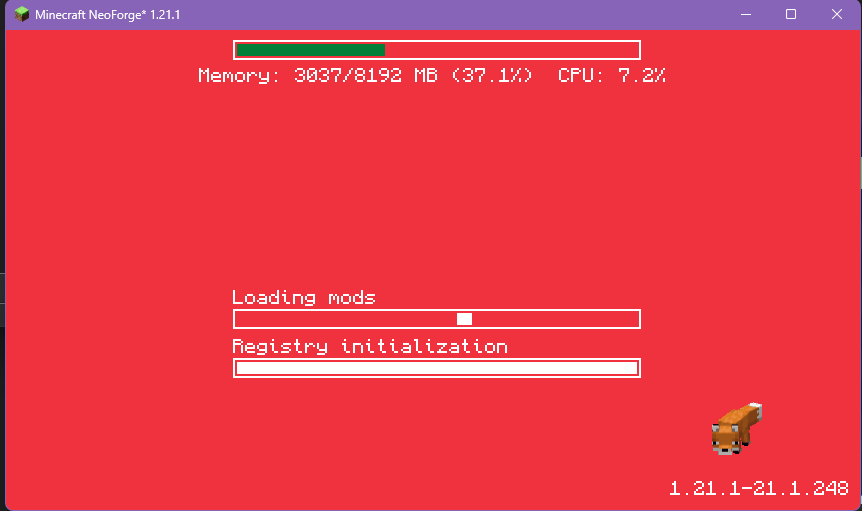
It looks like this while it is starting, and can take a couple minutes depending on your computer